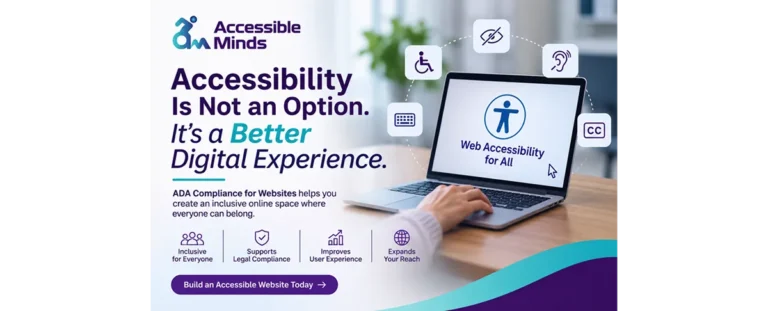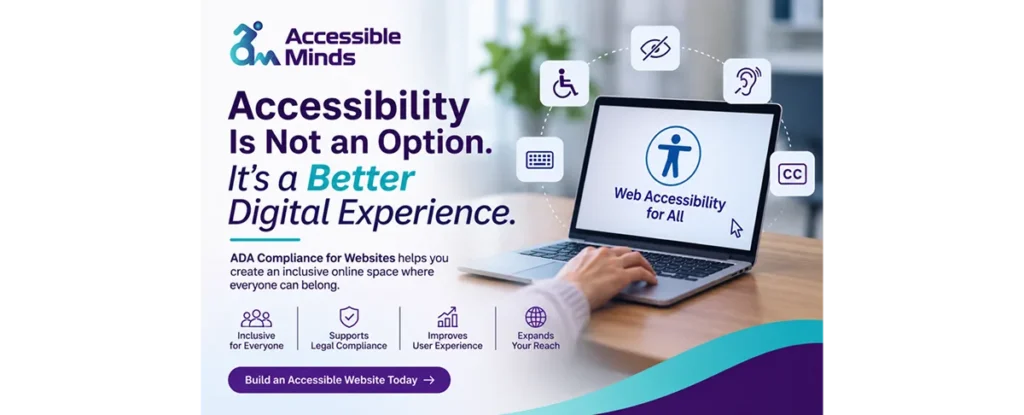
The internet has become an essential part of everyday life. People use websites to access information, explore services, make purchases, complete applications, and communicate with businesses. However, not everyone experiences the digital world in the same way. For individuals with disabilities, certain website features can create unnecessary barriers, making even simple online activities difficult.
This is where ADA compliance for websites becomes important. It is not simply about meeting legal expectations or making technical adjustments. It is about creating digital environments where people, regardless of their abilities, can access information and interact with online services independently.
For businesses, accessibility is increasingly becoming an important part of responsible digital development, customer experience, and long-term website sustainability.
What Does ADA Compliance for Websites Actually Mean?
The Americans with Disabilities Act (ADA) is a US civil rights law that prohibits discrimination against individuals with disabilities. Although the ADA was introduced before websites became a central part of everyday life, its application to digital accessibility has become an important consideration for businesses and organisations.
In practical terms, ADA compliance for websites means designing and maintaining digital platforms that people with disabilities can use effectively.
This includes individuals who:
- Have visual impairments and rely on screen readers or screen magnification tools.
- Have hearing impairments and require captions or transcripts for multimedia content.
- Have mobility limitations and navigate websites using a keyboard or assistive devices.
- Have cognitive or learning disabilities and benefit from clear navigation and understandable content.
The Web Content Accessibility Guidelines (WCAG), developed by the World Wide Web Consortium (W3C), provide widely recognised technical recommendations for making digital content accessible. WCAG 2.2 Level AA is a commonly used accessibility target for website accessibility initiatives.
However, following WCAG guidelines and achieving legal compliance under the ADA are related but not identical concepts. Businesses should consider their specific legal obligations when evaluating their accessibility requirements.
Why Website Accessibility Should Be a Business Priority
A website represents a business long before a customer speaks with its team. If visitors cannot navigate the website, understand its content, or complete important actions, the digital experience becomes frustrating.
Accessibility helps businesses address these challenges while improving the overall usability of their platforms.
1. Making Digital Services More Inclusive
An accessible website allows more people to independently explore products, services, and information. Features such as descriptive links, keyboard-friendly navigation, and meaningful image descriptions help remove common barriers.
2. Improving the User Experience
Accessibility improvements often benefit all website visitors. Clear headings, consistent navigation, readable typography, and well-structured content make websites easier to understand and use.
3. Supporting Legal Risk Management
Businesses operating in the United States should understand how the ADA applies to their websites and digital services. Accessibility gaps may create legal exposure, depending on the organisation, its services, and applicable requirements.
Taking a proactive approach to accessibility helps organisations identify potential issues and address them systematically.
4. Reaching a Wider Audience
An accessible digital experience makes it easier for people with different abilities to engage with a business. It also supports users accessing websites through different devices, technologies, and browsing environments.
Common Website Accessibility Issues Businesses Should Address
Many accessibility barriers are not immediately visible during a standard website visit. A website may appear visually attractive while still being difficult for someone using assistive technology.
Some common issues include:
Missing Alternative Text for Images
Images without meaningful alternative text can prevent screen reader users from understanding important visual information. Descriptive alt text provides context where images communicate meaningful content.
Poor Colour Contrast
Text that blends into its background can be difficult to read for people with low vision or colour vision deficiencies. Sufficient colour contrast improves readability.
Inaccessible Forms
Online forms should have properly associated labels, clear instructions, and understandable error messages. Without these elements, users relying on assistive technology may struggle to complete submissions.
Keyboard Navigation Barriers
Not every visitor uses a mouse. Menus, buttons, links, and interactive elements should be accessible through keyboard navigation, with a clearly visible focus indicator.
Videos Without Captions
Video content containing speech or meaningful audio should provide appropriate captions. Transcripts can also improve access to audio-based information.
Incorrect Heading Structure
Headings should follow a logical hierarchy. Using heading elements properly helps screen reader users understand the organisation of a webpage and navigate its content efficiently.
How Can Businesses Work Towards ADA Compliance?
Achieving and maintaining website accessibility requires more than installing an accessibility widget or running an automated scanning tool. It involves reviewing the website from different user perspectives and addressing barriers across its content, design, and functionality.
Here are some important steps businesses can follow.
Step 1: Conduct a Website Accessibility Audit
Begin with a detailed evaluation of the existing website. An accessibility audit helps identify issues involving navigation, colour contrast, images, forms, content structure, and interactive elements.
Step 2: Evaluate Against WCAG Guidelines
Use the WCAG framework to assess the website’s accessibility. Pay particular attention to the four core principles:
- Perceivable: Information must be presented in ways users can perceive.
- Operable: Website functionality must be accessible through different interaction methods.
- Understandable: Content and navigation should be clear and predictable.
- Robust: Content should work reliably with assistive technologies.
These principles are commonly known as POUR.
Step 3: Perform Manual and Assistive Technology Testing
Automated tools are useful for identifying certain accessibility problems, but they cannot detect every issue. Manual testing, keyboard navigation checks, and screen reader evaluations provide a more complete understanding of the user experience.
Step 4: Remediate Identified Issues
Once the problems are documented, developers and accessibility specialists can prioritise and resolve them. This may involve updating website code, improving content structure, modifying design elements, and correcting interactive components.
Step 5: Monitor Accessibility Continuously
Accessibility is an ongoing responsibility. Website updates, new pages, plugins, and design changes can introduce new barriers. Regular testing helps maintain accessibility as the website evolves.
Why Automated Accessibility Tools Alone Are Not Enough
Automated accessibility scanners can make the evaluation process faster by identifying common technical issues. They can flag missing alternative text, certain colour contrast problems, and some coding-related accessibility concerns.
However, accessibility involves more than passing an automated test.
For example, an image may technically have alternative text, but that description might not communicate its actual purpose. Similarly, a website may have keyboard-accessible elements that still create a confusing navigation experience.
This is why a comprehensive accessibility approach should combine automated testing with expert manual evaluation and testing with assistive technologies.
The objective should not simply be to generate a report showing fewer errors. It should be to make the website genuinely usable for people with different accessibility needs